Best Tesla Browser Apps and Websites You Should Try
September 22, 2026 · 8 min read
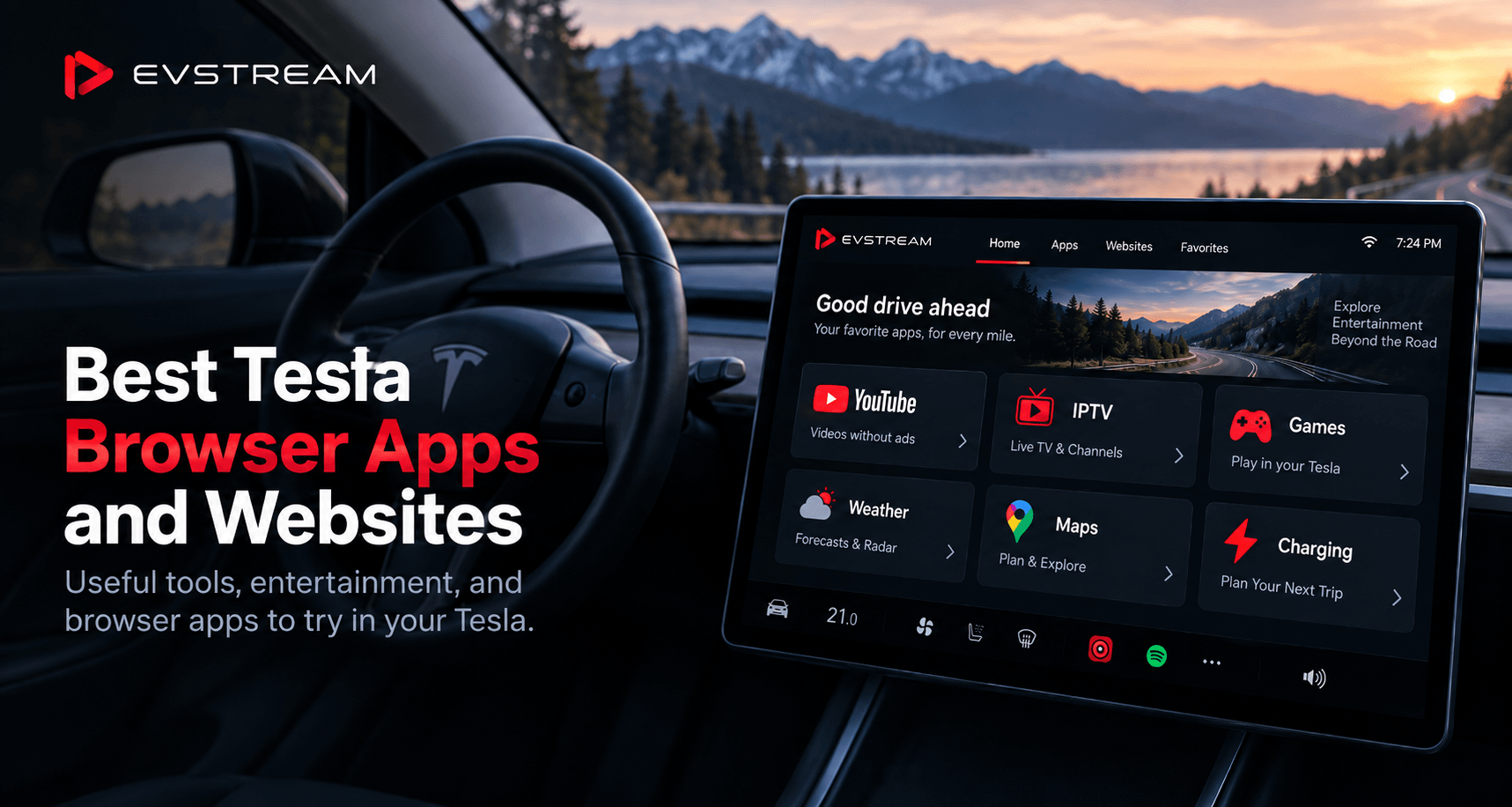
The browser inside your Tesla can be more useful than you might think.
Of course, you can use it to search the web, but there are also plenty of websites and browser-based apps that work well on Tesla's large screen. Whether you're charging, waiting for someone, planning a road trip, checking the weather, or just looking for something to do while parked, the browser gives you quite a few options without installing anything.
We've put together some of the best Tesla browser apps and websites worth trying.
Some are made for entertainment, others are useful for travel and charging, and a few can simply make those 20 or 30 minutes at a charging station go by much faster.
1. EVStream — YouTube Without Ads
If you watch YouTube in your Tesla, EVStream is a simple way to do it directly from the browser without ads interrupting your videos.
Open evstream.app/youtube.
From there, you can search for videos, browse trending content, open channels and playlists, read comments, use autoplay, view chapters, continue previously watched videos and more.
There is nothing to install.
EVStream was built with Tesla and other in-car browsers in mind, so the interface works well on the large touchscreen.
It also includes Flex Mode, which is designed to improve video compatibility across different Tesla browser versions, including older browsers and older vehicles.
If you mainly want a simple way to watch YouTube without constant ad breaks while you're charging or parked, this is probably one of the first things worth trying.
We've written a complete guide explaining how it works: How to Watch YouTube in Your Tesla Without Ads.
And if you want to see all the YouTube features we've added recently, read EVStream YouTube Just Got a Major Upgrade.
2. A Better Routeplanner
A Better Routeplanner, usually called ABRP, is one of the most useful tools for EV road trips.
Tesla already has excellent built-in navigation and charging route planning, but ABRP can be useful when you want to plan a trip in more detail before heading out.
You can enter your destination, vehicle and charging preferences and explore different routes and charging stops.
It's especially useful when you're planning a longer trip and want to compare options before deciding which route to take.
You can use it from your phone or computer, of course, but having access to the website from your Tesla browser can also be convenient while you're parked.
3. PlugShare
PlugShare is another useful website for EV owners, especially when you're travelling somewhere unfamiliar.
It helps you find charging stations and see information about charging locations.
This can be helpful if you want to look beyond Tesla Superchargers, find another charger nearby, or check charging options around a hotel, restaurant or destination you're planning to visit.
Tesla's own navigation should still be your main tool while driving, but PlugShare can be a useful additional resource when you're parked and planning your next stop.
4. Weather and Rain Radar Websites
Checking the weather on your phone works perfectly fine, but Tesla's large screen is actually very convenient for weather maps and radar.
If you're about to start a longer trip, a weather website can help you quickly check what conditions look like along your route.
Rain radar is particularly useful because you can see where storms or heavy rain are moving rather than only looking at a simple temperature forecast.
This is one of those small things that becomes surprisingly useful on road trips.
Search for your preferred weather or radar service in the Tesla browser and bookmark it if you use it regularly.
5. EVStream for IPTV and Live TV
YouTube isn't the only thing EVStream can do.
If you already have an IPTV provider, EVStream can also turn your Tesla browser into an IPTV player.
You provide your own IPTV subscription and connect it to EVStream using the details supplied by your provider.
EVStream does not sell IPTV subscriptions, channels or content. It is simply the player you use to access an IPTV service you already have.
Once connected, you can browse your provider's Live TV, movies and series directly from the browser.
If you're interested in trying it, we have a dedicated guide explaining how IPTV works inside Tesla and EV browsers: Watch IPTV in Your Tesla and EV Browser.
If your IPTV provider gave you Xtream Codes details and you're not sure what to do with them, we also have a step-by-step setup guide.
One of the main advantages of using a browser-based player is that you aren't limited to your Tesla. The same player can also be opened from your laptop, desktop, tablet or phone. You can learn more about that in How to Watch IPTV Online Without Installing Any Apps.
6. Browser Games
Sometimes you don't want to watch anything.
You just want to play something for a few minutes while the car charges.
Browser games are perfect for this because they don't need to be installed. You open the website, choose a game and start playing.
Simple puzzle games, card games, arcade games and other casual browser games work particularly well when you only have a short amount of time.
EVStream also has an App Store section where you can quickly access browser-based games and other useful apps.
It's worth having a look before your next charging stop.
7. Reddit
Reddit can be surprisingly useful from a Tesla browser.
There are communities covering almost every subject you can think of, including Tesla ownership, electric vehicles, road trips, charging, software updates, accessories and troubleshooting.
If you're sitting at a charger and have some time to spare, it can also just be a good place to browse discussions around whatever you're interested in.
Tesla and EV communities can be particularly useful if you're researching something specific about your car and want to see experiences from other owners.
8. News Websites
If you normally check the news during your morning coffee or while waiting somewhere, there's no reason you can't do the same from your Tesla while parked.
Most major news websites work directly from a browser, so you can simply open whichever source you normally use.
The Tesla screen is large enough that reading articles feels much closer to using a tablet than browsing on a small phone.
You can bookmark a few of your favorite websites and have them ready whenever you have some downtime.
9. Maps and Places
Tesla navigation is already built into the car, so you don't need another website to replace it.
But browser-based maps can still be useful for researching places.
For example, maybe you're charging in a town you've never visited and want to see what's nearby.
You could use the browser to search for:
- Restaurants
- Coffee shops
- Shopping centers
- Hotels
- Parks
- Attractions
- Charging stations
- Places to visit
This is particularly useful on road trips when you have 20 or 30 minutes available and want to find something nearby instead of sitting in the car the entire time.
10. Internet Radio and Music Websites
There are plenty of websites that let you browse internet radio stations from around the world.
This can be a fun alternative if you want to discover something different from your normal playlists.
You can search by country, city, language or music genre and find stations you would probably never come across otherwise.
Tesla already provides several built-in music options, so this isn't something everyone will need, but it's another example of what you can do directly from the browser without installing anything.
Turn Charging Time Into Something Useful
One of the best times to explore Tesla browser apps is while charging.
Even a relatively short charging stop gives you enough time to:
- Watch a YouTube video
- Catch up on something from your IPTV provider
- Play a browser game
- Check the weather for the rest of your route
- Plan your next charging stop
- Read the news
- Find somewhere nearby to eat
- Plan the next part of your trip
You don't necessarily need another app installed on your phone for every little thing.
Sometimes opening the Tesla browser is enough.
Make EVStream Part of Your Tesla Browser
EVStream was created around this exact idea — making the browser inside your Tesla and other EVs more useful.
You can use EVStream to watch YouTube without ads, connect your existing IPTV provider, access browser games and quickly move between different entertainment options from one place.
Because everything is web-based, there is nothing to install.
Open evstream.app, or go directly to YouTube at evstream.app/youtube.
You can try EVStream for free and see how it works in your own Tesla before choosing a paid plan.
Final Thoughts
Tesla already gives you a large touchscreen and a capable browser. You might as well make good use of it.
Whether you're planning a road trip, checking charging locations, looking at the weather, playing a quick game or watching something while you're parked, there are plenty of useful websites that can make your Tesla experience a little better.
Start with a few of the websites above, bookmark the ones you actually use, and build your own collection over time.
And if entertainment is what you're looking for, give EVStream a try directly from your Tesla browser.
Video entertainment should only be used when it is safe and permitted. Drivers should never watch or interact with video content while driving. Always follow your vehicle's safety guidance and applicable local laws.
Open your Tesla browser and try it today
Charge your car. Stream your favorites.
Launch EVStream.app